(1).png)


Minecraft System Requirements (2026): Can Your PC, Laptop, or Mobile Run Minecraft?
Minecraft is one of the world's most popular sandbox games, designed to run on a wide range of devices. Whether you're playing on a high-end gaming PC or an entry-level smartphone, there's a version of Minecraft for you.
However, newer updates, improved graphics, and larger worlds have increased the hardware requirements over time. If you're planning to play Minecraft Java Edition, Minecraft Bedrock Edition, or the mobile version, it's important to know whether your device meets the required specifications.
In this guide, we'll cover the latest Minecraft system requirements for Windows, macOS, Linux, Android, and iPhone/iPad, along with performance tips for smoother gameplay.
Minecraft Java Edition System Requirements (Windows, macOS & Linux)
Minecraft Java Edition is the original version of the game and remains the most popular choice for players who enjoy mods, shaders, custom servers, and extensive customization.
Because Java Edition offers more flexibility, it generally requires more system resources than Bedrock Edition.
Minimum System Requirements
| Component | Requirement |
|---|---|
| Operating System | Windows 10/11 (64-bit), macOS Catalina (10.15) or later, modern 64-bit Linux distribution |
| Processor (CPU) | Intel Core i3-3210, AMD A8-7600 APU, Apple M1, or equivalent |
| Memory (RAM) | 4 GB RAM |
| Graphics (Integrated) | Intel HD Graphics 4000 or AMD Radeon R5 Series (OpenGL 4.4 support required) |
| Graphics (Dedicated) | NVIDIA GeForce 400 Series or AMD Radeon HD 7000 Series |
| Storage | 1 GB available storage space |
Recommended System Requirements
| Component | Recommended |
|---|---|
| Processor (CPU) | Intel Core i5-4690, AMD A10-7800, Apple M1, or newer |
| Memory (RAM) | 8 GB RAM or more |
| Graphics Card | NVIDIA GeForce 700 Series or AMD Radeon RX 200 Series |
| Storage | SSD with at least 4 GB free space |
Java Edition is Best For
Modpacks
Shaders
Custom resource packs
Multiplayer servers
Technical gameplay
Redstone automation
Minecraft Bedrock Edition System Requirements (Windows)
Minecraft Bedrock Edition is optimized for performance and cross-platform multiplayer. It generally runs better on lower-end hardware while offering smoother gameplay and faster loading times.
Minimum vs Recommended Requirements
| Component | Minimum | Recommended |
|---|---|---|
| Operating System | Windows 10 Version 2004 or later | Windows 10 / Windows 11 |
| Processor (CPU) | Intel Celeron J4105 or AMD FX-4100 | Intel Core i7-6500U or AMD A8-6600K |
| Memory (RAM) | 4 GB | 8 GB |
| Graphics (GPU) | Intel HD Graphics 4000 or AMD Radeon R5 | NVIDIA GeForce 940M or AMD Radeon HD 8570D |
| Storage | 300 MB | 1 GB or more |
Vibrant Visuals Requirements
Minecraft's Vibrant Visuals feature introduces improved lighting, reflections, and enhanced graphical effects.
To use this feature smoothly, your PC should have:
DirectX 12 compatible graphics card
DirectX Feature Level 12_1 support
Dedicated GPU recommended
Updated graphics drivers
Minecraft Mobile System Requirements
Minecraft Bedrock Edition is also available for Android smartphones, tablets, iPhones, and iPads.
Android Requirements
| Component | Requirement |
|---|---|
| Operating System | Android 9.0 (Pie) or newer |
| RAM | 2 GB or more recommended |
| Processor | ARMv7-A or newer |
| Storage | At least 1 GB free space |
iPhone & iPad Requirements
| Component | Requirement |
|---|---|
| Operating System | iOS 14 / iPadOS 14 or later |
| Processor | Apple A12 Bionic chip or newer recommended |
| Storage | 1 GB or more free space |
Modern Apple devices deliver excellent Minecraft performance with stable frame rates and efficient battery usage.
Which Version Performs Better?
| Feature | Java Edition | Bedrock Edition |
|---|---|---|
| Performance | Moderate | Excellent |
| Mod Support | Excellent | Limited |
| Cross-Platform Play | No | Yes |
| Resource Usage | Higher | Lower |
| Shaders | Extensive | Limited |
| Multiplayer | Java Servers | Cross-platform Realms & Servers |
Performance Tips for Low-End PCs
If your system barely meets the minimum requirements, these settings can significantly improve performance:
Reduce Render Distance to 8 chunks.
Switch Graphics from Fancy to Fast.
Disable Smooth Lighting.
Lower Particles and Clouds settings.
Close unnecessary background applications before launching Minecraft.
Install Minecraft on an SSD for faster world loading.
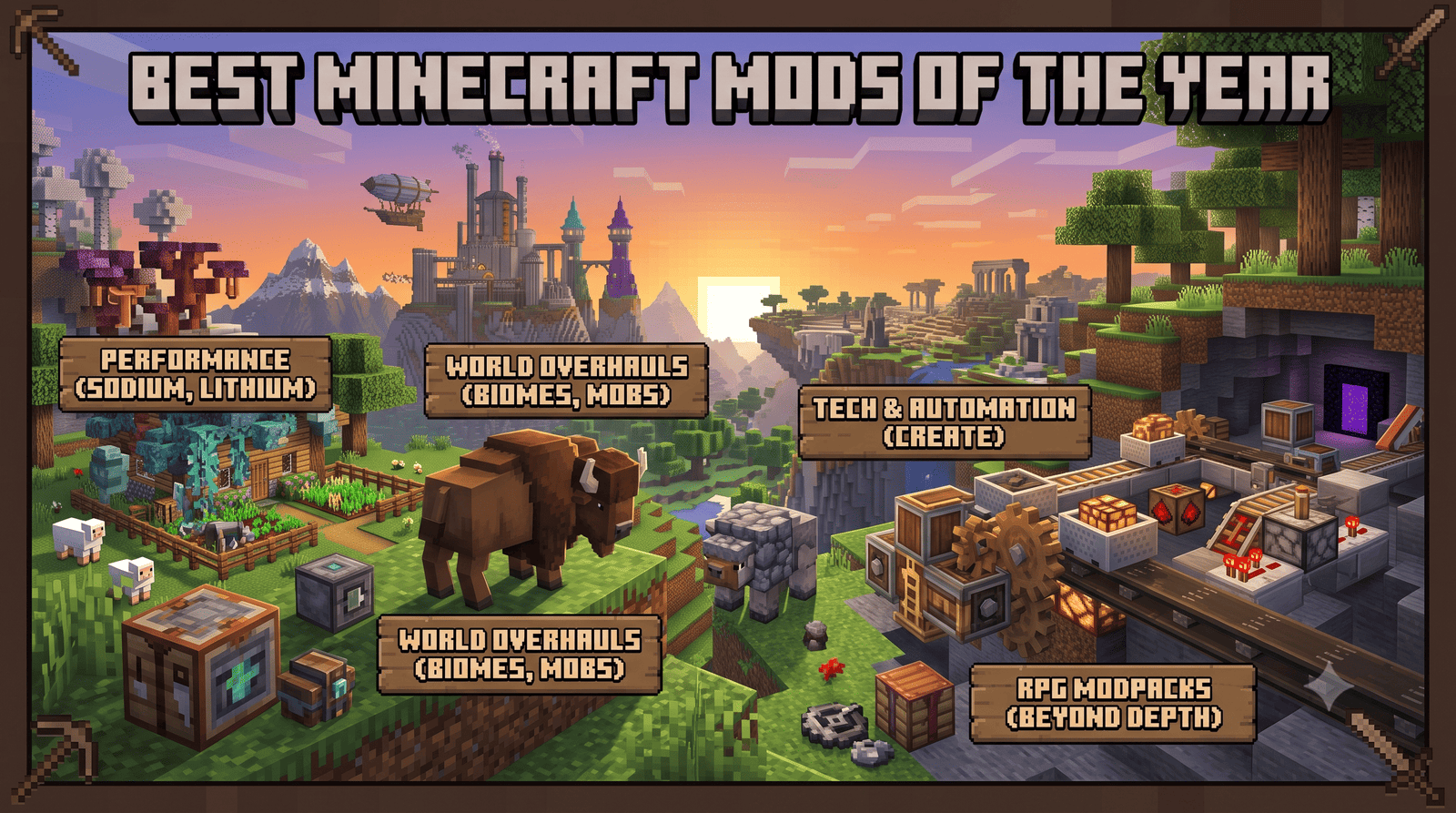
Best Optimization Mods (Java Edition)
For Java players, these popular optimization mods can dramatically improve FPS:
Sodium
Lithium
FerriteCore
Entity Culling
Starlight
These mods help reduce CPU and GPU load while improving overall game performance.
Frequently Asked Questions (FAQs)
Can Minecraft run on a low-end PC?
Yes. Minecraft Bedrock Edition is designed to run well on entry-level hardware, while Java Edition can also perform smoothly with reduced graphics settings and optimization mods.
How much RAM does Minecraft need?
Minimum: 4 GB RAM
Recommended: 8 GB RAM
For large modpacks: 16 GB RAM or more
Is an SSD required?
No, but installing Minecraft on an SSD reduces loading times and improves world generation speed.
Which version has better performance?
Bedrock Edition generally offers better optimization and smoother performance, especially on lower-end systems.
Can integrated graphics run Minecraft?
Yes. Integrated GPUs such as Intel HD Graphics 4000 and newer can run Minecraft at lower settings, though a dedicated graphics card provides a much smoother experience.
Final Thoughts
Minecraft is designed to be accessible across a wide range of hardware, from budget laptops to high-end gaming PCs and modern smartphones. If your device meets the recommended specifications, you can expect smooth gameplay, faster world loading, and better graphics.
For players interested in mods, custom servers, and shaders, Java Edition remains the best choice. If you prioritize performance, cross-platform multiplayer, and ease of use, Bedrock Edition is the ideal option.
Before installing Minecraft, check your device specifications to ensure the best possible gaming experience.